How I Built a Legal Intake and Triage App with Claude Code and Momen Backend

This showcase, built for the Cambridge Hack the Law hackathon, presents Aequitas — a legal-aid intake assistant. Users describe their situation in plain language, attach supporting media (notice photos, screenshots, PDFs, or videos), and the system evaluates urgency, identifies missing information, and suggests next steps or referrals.
The technical architecture pairs a visual Momen backend with a Claude Code frontend deployed to Vercel. Momen BaaS is a visual, Postgres-native backend that AI coding tools and no-code builders plug into: you configure your data model, logic, AI agents, and permissions in the editor, and it exposes a standard GraphQL API your frontend consumes. One backend, many frontends.
Live Demo: hack-the-law-multimodel-intake.vercel.app

Narrative and Evidence In, Structured Triage Out
Legal intake inherently involves multiple input formats. The Aequitas pipeline follows this workflow:
Free-text narrative with optional contact information
Multimodal attachments (images, documents, videos)
Asynchronous AI triage producing structured JSON
Persistent intake and assessment records
Referral suggestions filtered from an organization directory
The backend handles "media columns, structured-output agent, async orchestration, reference tables." Claude Code manages the UI layer, reading backend schema through the Momen plugin rather than relying on manual documentation.
What the System Does
App Features
Public intake form with optional account sign-in
Free-text narrative field plus optional name and email
Multimodal attachments: photos/screenshots (IMAGE), documents/PDFs (FILE), short video (VIDEO)
Asynchronous AI triage returning structured assessment data
Urgency classification (critical | high | medium | low) with reasoning and deadline
Missing-facts checklist and recommended next steps
Referral category assignment for routing
Confidence scoring on assessments
No external payment systems or APIs beyond Momen's built-in AI and file storage
Data Model
Five tables comprise the backend architecture:
Table | Purpose |
|---|---|
| Submission record with narrative, optional attachments, contact fields, and status lifecycle |
| One-to-one with |
| Reference rubric with code, label, severity rank, definition, criteria, response window, and color |
| Routing taxonomy with name, description, guidance, and example issues |
| Organization directory with org name, category, jurisdiction, phone, website, and active status |
Assessment columns directly mirror the agent's JSON schema: issue_category, issue_summary, document_type, jurisdiction, parties, key_dates, urgency_level, urgency_reason, deadline, missing_facts, recommended_steps, referral_category, and confidence.
AI Configuration
One multimodal agent functions as a civil legal-aid intake specialist:
Inputs: narrative (TEXT), document_image (IMAGE), document_file (FILE), document_video (VIDEO)
Role: Analyze narrative and supporting documents to triage legal issues, classify them, assess urgency, identify missing information, and suggest referral categories.
Structured Output: issue_category, issue_summary, parties, urgency_level (exactly one of critical | high | medium | low), urgency_reason, deadline, missing_facts, recommended_steps, referral_category, confidence (0.0–1.0)
Optional Output: document_type, jurisdiction, key_dates
All four input types can be passed in a single agent call — no separate OCR or transcription pipeline.
Backend Logic
One async Actionflow named triage_intake orchestrates the process:
Receive narrative, attachment IDs, and optional contact fields
Insert
intakerow with pending statusStart AI conversation with the triage agent, passing narrative and attached media
Insert
assessmentrow, mapping agent JSON fields into typed columns linked to the intakeUpdate
intake.statusto triagedReturn
intake_id
The flow runs asynchronously because multimodal model inference exceeds synchronous timeout limits.
Frontend Invocation Pattern:
Request presigned URLs for each attachment type → HTTP PUT binary data → collect asset IDs
Invoke
triage_intakeviafz_create_action_flow_taskSubscribe via
fz_listen_action_flow_resultWebSocket until COMPLETEDQuery
intake_by_pkwith nestedassessmentdata; filterreferralrows by category and jurisdiction
Form Screenshot
Momen BaaS Integration with Claude Code
Momen BaaS exposes your entire visual backend — tables, agents, Actionflows, permissions — as a typed GraphQL API. The Momen plugin gives Claude Code direct access to your backend schema, so it can generate correct frontend code without manual API documentation.
Backend Configuration (Momen Editor):
Create intake, assessment, and reference tables with relationships
Seed urgency_level, referral_category, and referral rows
Configure multimodal triage agent with structured output schema
Build the triage_intake Actionflow
Frontend Development (Claude Code + Momen BaaS):
Install the Momen plugin:
# Claude Code
claude plugin marketplace add momen-tech-org/momen-nocode-plugin
claude plugin install momen-nocode@momen
Once installed, Claude Code reads your agent inputs, Actionflow names, and output schemas directly. Then:
Generate intake form UI with multi-type file pickers
Implement binary upload helpers and async invocation with WebSocket subscription
Build triage result view and referral list filtered by assessment category
Deploy to Vercel
Design Approach
Backend: Headless (no Momen canvas UI)
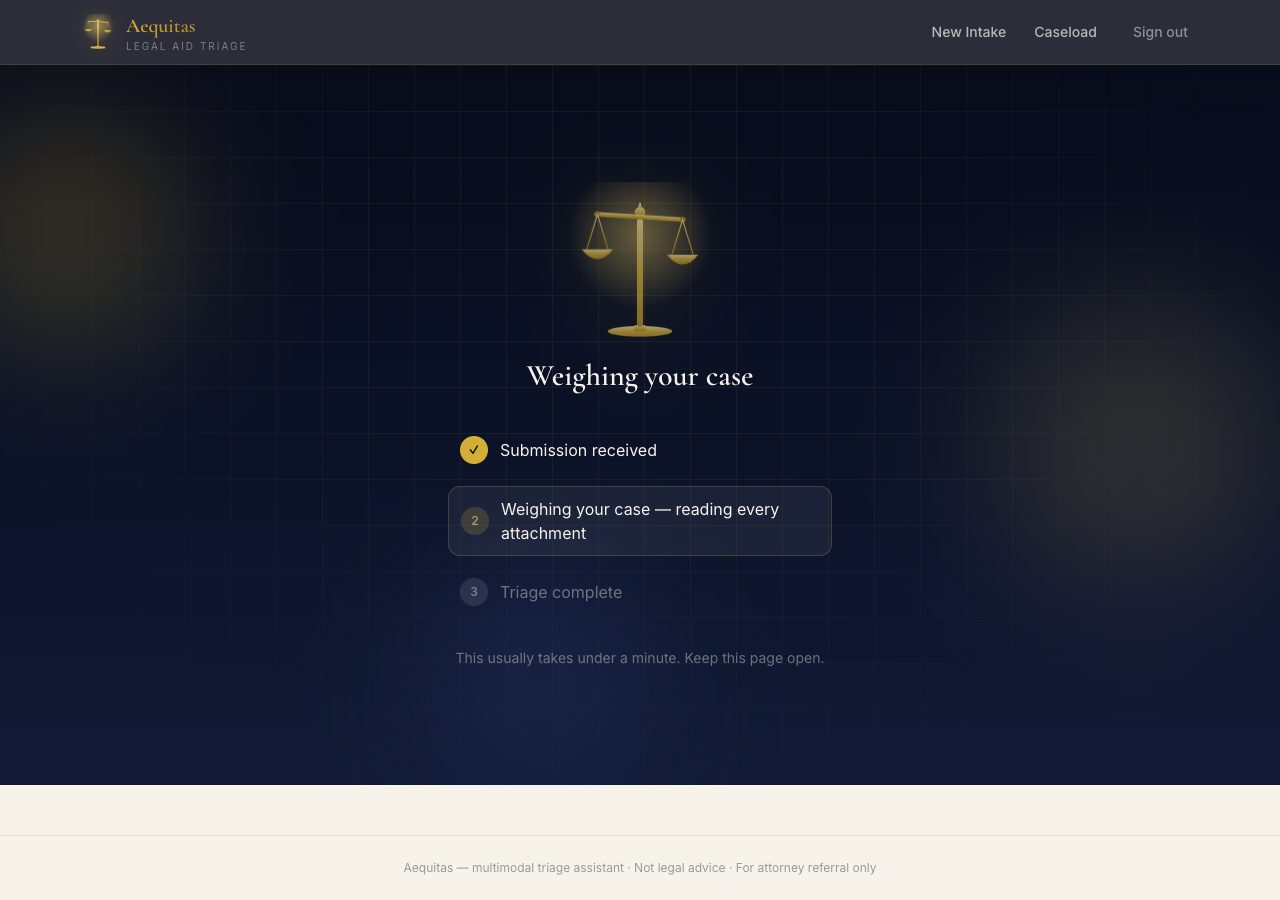
Frontend: Three-step hero (Describe → AI triages → Get matched referrals), async processing state, structured triage card, referral suggestions
Permissions: Open anonymous access for demo; production would use role-based permissions
Technical Highlights
Small but complete backend with two core business tables and three reference tables
Multimodal processing in one agent call without separate OCR pipeline
Structured output mapped 1:1 from agent JSON to Postgres columns
Async-by-default for AI using task + subscription pattern
Referral routing via plain table data without custom code
Visual logic collocated with Postgres in Actionflow, not at a distant Edge layer
Timeline and Cost
Phase | Time |
|---|---|
Backend (5 tables, reference data, multimodal agent, async Actionflow) | ~1 hour |
Claude Code frontend (multimodal upload, async wait, triage card, referral list) + Vercel deploy | ~1 hour |
Total | ~2 hours |
Momen Pro is required for multimodal AI agents. Claude Code uses an existing subscription. Vercel free tier hosts the demo. Each triage run consumes AI points for the multimodal model call.
How to Try It
Demo: hack-the-law-multimodel-intake.vercel.app
Describe a legal situation in the narrative field
Optionally attach a notice photo, document, or short video
Submit for triage and wait for the structured assessment
Review urgency, missing facts, recommended steps, and referral suggestions
To rebuild a similar backend: create a Momen project, configure the data model and agent visually, install the Momen plugin, and prompt Claude Code to build the frontend against your project schema.
Closing Thoughts
Aequitas demonstrates a repeatable pattern for intake and triage workflows: a visual Momen data model with reference rubrics, one structured-output agent, and one async Actionflow comprise the backend. Claude Code manages the UI. "No custom server routes, no separate object storage, no Edge Function glue." The entire system — from editor configuration to live deployment — highlights how visual backend configuration combined with AI coding tools accelerates development.
Key Links:
