Hackathon Survival Guide: What Actually Matters

Learning Hackathons From the Judge's Table
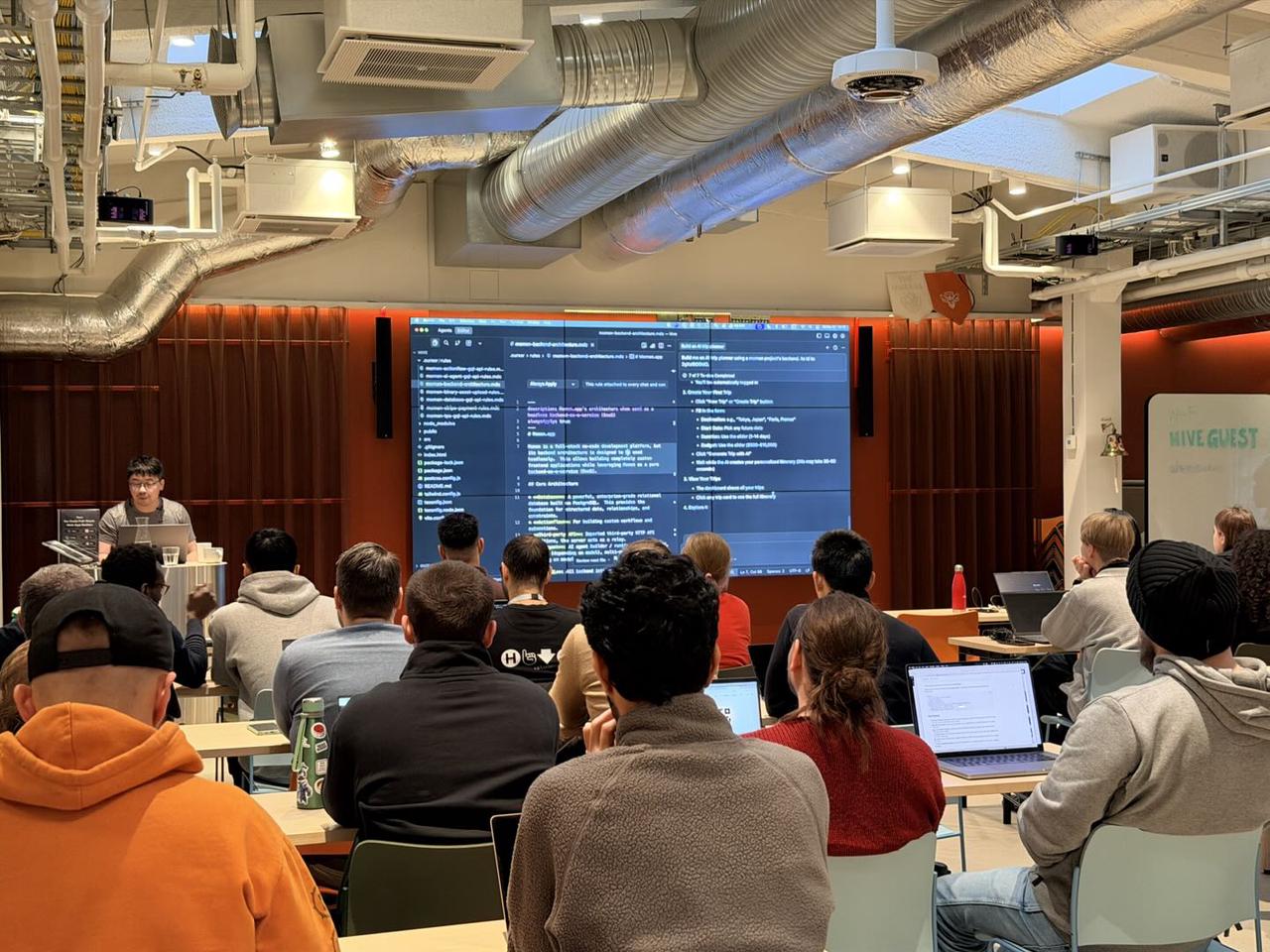
Over the past year, Yaokai Jiang has participated in hackathons from multiple perspectives: as a backend engineer, a startup founder, a mentor, and a judge. He has worked with student teams across universities, including Cambridge, Stanford, and Duke Kunshan University, and has also served as a startup mentor in university incubator programs.
What makes Yaokai's perspective distinctive is not just his technical background—14 years as a backend engineer—but his repeated exposure to how hackathon projects are actually evaluated under real constraints. Having reviewed hundreds of demos, debugged broken submissions minutes before deadlines, and sat through final judging deliberations, he has seen a consistent pattern: teams that win are rarely the most complex, but they are almost always the most clear, complete, and runnable.
This guide distills those observations into practical advice for beginners—especially those without a traditional coding background—who want to make the most of a time-limited hackathon.
Hackathons Sound Fun —
But I Don't Know How to Code.
Now What?
From here on, I'll speak from my own experience.
Hackathons today look very different from what they were ten years ago. Yes, there are still hardcore engineering competitions focused on low-level systems or hardware. But increasingly, hackathons are open to students from any background—business, design, law, medicine, social science—especially with AI lowering the barrier to building software.
You'll see hackathons hosted by universities, companies, and communities across almost every region. Platforms like Devpost aggregate many of these events, and you'll notice that a growing number explicitly state that no computer science background is required.
This article focuses on a very specific situation:
You are building a software MVP
The hackathon time is limited (8–48 hours)
Your team may not have a strong coder—or you are a solo participant
You want something that actually runs, not just slides
If that's you, here's what actually matters.
First,
Know What a Hackathon Really Is
A hackathon is not a startup. It is not a research project. And it is not a design showcase.
A hackathon is a compressed execution exercise.
Most hackathons follow a similar flow:
You choose a challenge or track
You build within a fixed time window
You submit a demo (often a live URL)
You present to judges
What many first-time participants underestimate is how much end-to-end completeness matters. Judges are not just asking "Is this idea interesting?" They are asking:
Can I click through it?
Does it break?
Do I understand who it's for?
You don't win by doing more. You win by finishing enough.
Know Your Strength Before You Touch Any Tool

If you're not a coder, that's okay. A hackathon is not a test of who can write the most code.
In fact, in many hackathons I've judged, the most valuable contributions came from people who:
Knew a specific industry deeply
Understood a real user pain point
Could clearly explain why something mattered
Some people are strong at problem framing.
Some are good storytellers.
Some understand workflows from lived experience.
Your job is not to pretend to be an engineer. Your job is to anchor the project in reality.
That said, you still need a minimum level of technical understanding.
The Bare Minimum Technical Knowledge You Actually Need
You don't need to know how to write code. But you do need to understand where effort goes.
At a high level, software has three parts:
Frontend (what users see)
Backend (data, logic, permissions)
Infrastructure (deployment, URLs, stability)
Most failures I see come from teams spending too much time on the frontend, and too little time making sure:
Data can be saved
Logic is consistent
The demo doesn't error halfway through
You should also know that today, there are many no-code and AI-assisted tools that can cover parts of this stack. But none of them magically solve everything.
Which brings us to "vibe coding."
Can Vibe Coding Solve Everything?
Short answer: it solves part of the problem, not all of it.
There are broadly two categories of tools people mean when they say "vibe coding."
The first category includes tools like Lovable or Base44. These are prompt-driven tools that can generate visually polished interfaces very quickly. They're great for demos that need to look impressive. However, they are usually frontend-focused. Once you need to store data, manage users, or connect real logic, things often become fragile. Backend integrations—commonly via services like Supabase—can break in ways that are hard to debug if you don't understand what's happening underneath.
The second category includes AI coding IDEs like Cursor. These are much more powerful and stable, but they assume you understand concepts like project structure, APIs, and deployment. For non-coders, the learning curve can be steep—especially when hackathon submissions require a publicly accessible URL, not something running on localhost.
This is why, if you only have 8 hours, I usually recommend a hybrid approach.
If You Only Have 8 Hours, This Is What I'd Do

My strongest recommendation is:
Use AI-assisted or vibe coding for the frontend, and pair it with a controlled no-code backend.
This gives you:
Low learning cost
Real data and logic
Much higher demo stability
This is also the context in which many teams use Momen during hackathons.
Rather than trying to learn everything, focus on:
A narrow scope
A working flow
A demo that doesn't break
I've recorded a step-by-step video specifically about using Momen in a hackathon setting, based on what I've seen work repeatedly in real competitions. I strongly recommend watching it before you start building.
What Judges Actually Care About (A Real Example)
In a recent Momen-hosted hackathon, we used the following scoring rubric (100 points total):
Category | Weight | Points | What Judges Look For |
Functional Completeness | 25 | /25 | Does it work? Can they demo end-to-end without errors? |
Technical Implementation | 35 | /35 | Quality of momen.app feature usage, proper data modeling, good workflow |
User Experience | 15 | /15 | Is it intuitive? Would a customer understand how to use it? |
Demo Quality | 25 | /25 | Clear storytelling, smooth presentation, good problem framing |
As a technically trained judge, I can usually tell when something is over-engineered. And when judging alongside industry experts, I've noticed something interesting:
even when judges disagree on how good the idea is, they almost always agree on whether the product is usable.
This is why I believe storytelling is secondary to execution. A good product explains itself.
Using Momen in a Hackathon (High-Level Workflow)
Momen is a full-stack no-code platform. It is not a vibe coding tool. I think of it as visual programming: a drag-and-drop UI paired with a structured, controllable backend.
Teams typically use Momen in two ways during hackathons.
Some build everything inside Momen—frontend and backend. This is powerful, but UI building can take longer under tight time constraints.
More commonly, teams use Momen as the backend only, and pair it with an external frontend built using tools like Cursor or Lovable. In this setup, Momen handles data, logic, AI agents, permissions, and payments, while the external tool focuses on UI.
Both approaches work. The key is choosing one and committing early.
Final Advice for First-Time Hackathon Participants
If there's one thing I want you to remember, it's this:
Hackathons reward clarity, speed, and working demos more than ambition.
Limit your scope. Finish something real. Make sure it runs.
If you want a concrete walkthrough of how to do this with Momen—step by step, from idea to demo—watch the video below. It's designed specifically for hackathon settings and based on real mentoring and judging experience.
👉 Watch on YouTube: How to Use Momen During a Hackathon (Step by Step)
For any questions, feedback, or collaboration inquiries, feel free to reach out at hello@momen.app.
