How to Build a Blog with Momen: Take Control of Your Content

Introduction
Content isn’t just king – it’s your digital legacy. In an age where platforms come and go, owning your content platform isn’t just about publishing; it’s about building a lasting digital asset that works for you 24/7. Let’s explore how Momen can help you build a digital asset site effortlessly.
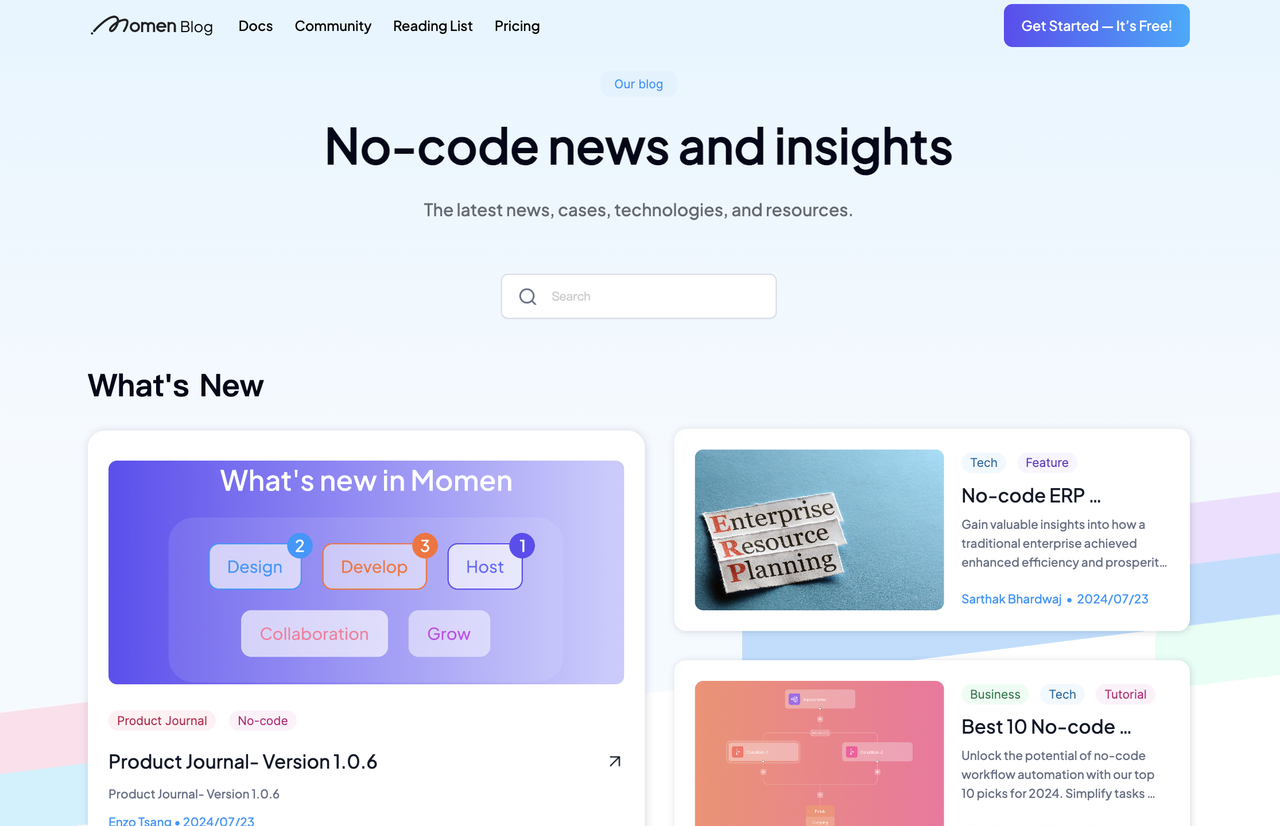
Why Consider Momen for Your Blogging Needs?
While third-party CMS tools often offer pre-built modules, saving time for casual bloggers, they often come with limitations. However, if you’re a business looking to market through content or a professional blogger wanting to monetize expertise, building your blog with Momen offers unparalleled control.
Self-Built Blog | Third-Party CMS |
|---|---|
Full data ownership | Platform-dependent content |
Custom features & design | Limited to platform templates |
No platform risk | Subject to platform changes |
Direct SEO control | Shared domain authority |
Whether you're a solo creator, small business, or enterprise, your content deserves better than being trapped in someone else's platform. Owning your own blog site ensures:
100% data ownership
Authority-building for your brand
Direct conversions to your products
Opportunities to monetize your digital assets
With Momen, you can achieve these, and:
Spend minimal time and cost to build your site.
Avoid the expense of multiple plugins.
Enjoy a fully customized frontend.
Leverage a robust backend to handle limitless content, ensuring better performance and faster load time.
Integrate a custom domain and on-page SEO for maximum impact.
Explore Momen's Core Features
Essential Features for Your Blog
Fully customized layouts
Robust database that supports:
Customized data model and relations
Limitless data entries
On page SEO
Custom domain
How to Build Your Blog with Momen
1. Set up the database
Data is the core of your web app. A good and detailed project requirement document should include the data model of your app, as it dictates user interaction and functionalities. When we build with no code, the first thing to consider is the structure of your database.
Data model
Data model represents how your data is organized and related, as well as the elements of your data. Here is the data model of our blog.
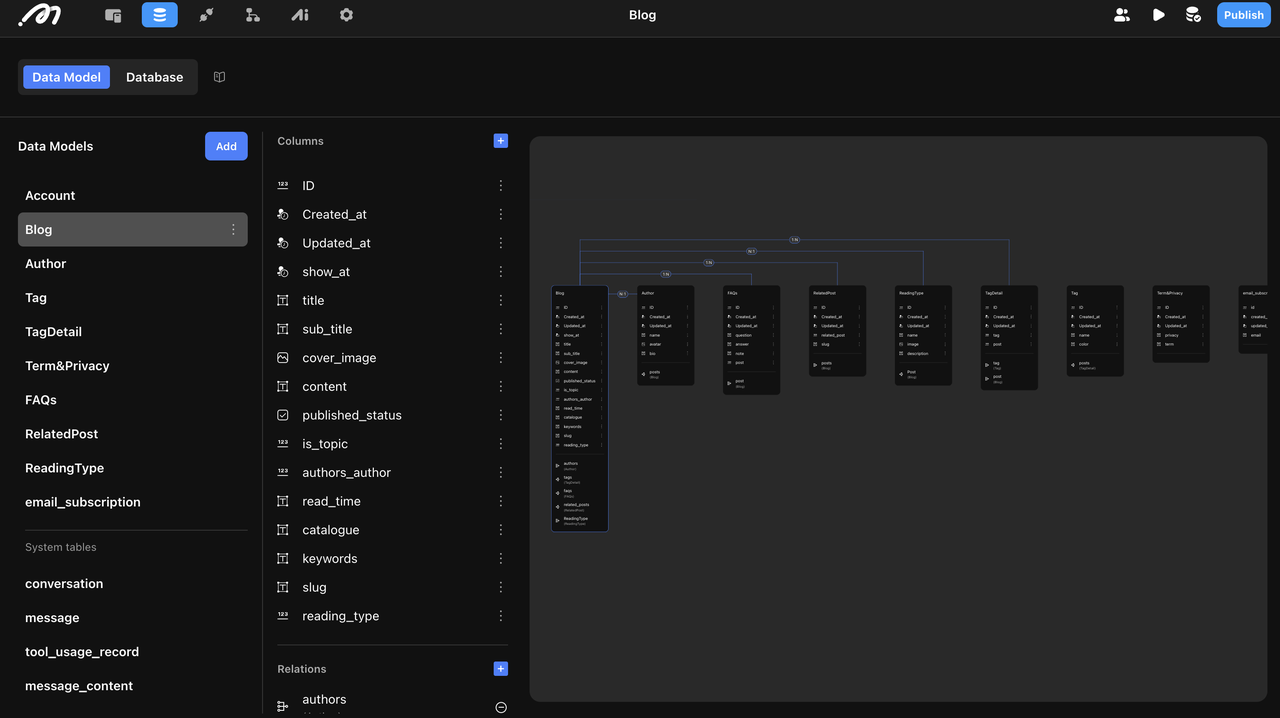
Blog: Stores your content, including fields like title, content, and cover image.
Author: Contains author information such as name, bio, and avatar. This establishes a 1:N relationship, allowing multiple blogs per author.
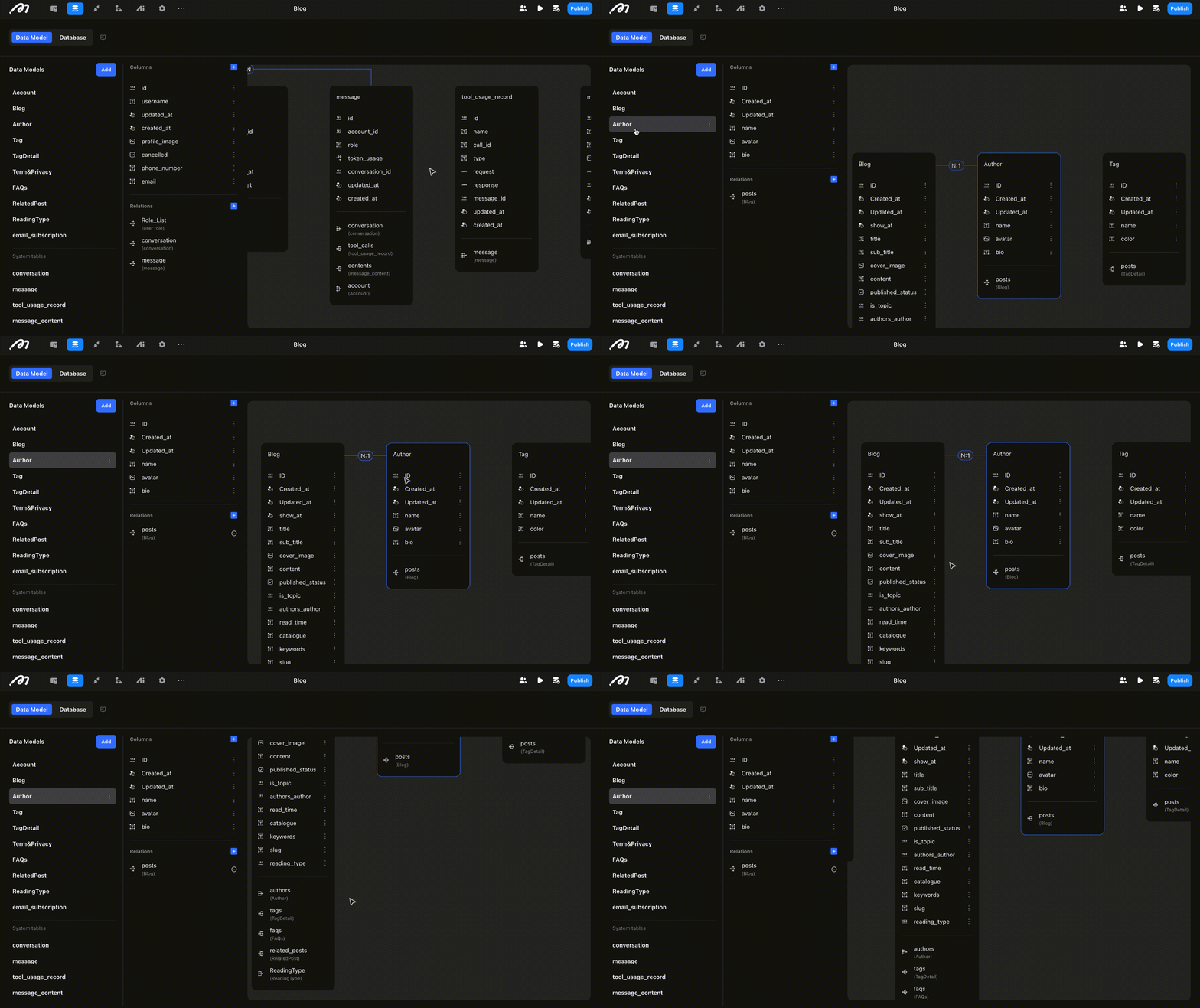
Tag: Records tags of different blogs.
FAQs: Writing FAQs for your blog can improve your SEO.
Related Post: This table represents the "Also Read" section in your blog, which would help your internal link building.
Reading Type: Categorizes your blogs for better organization.
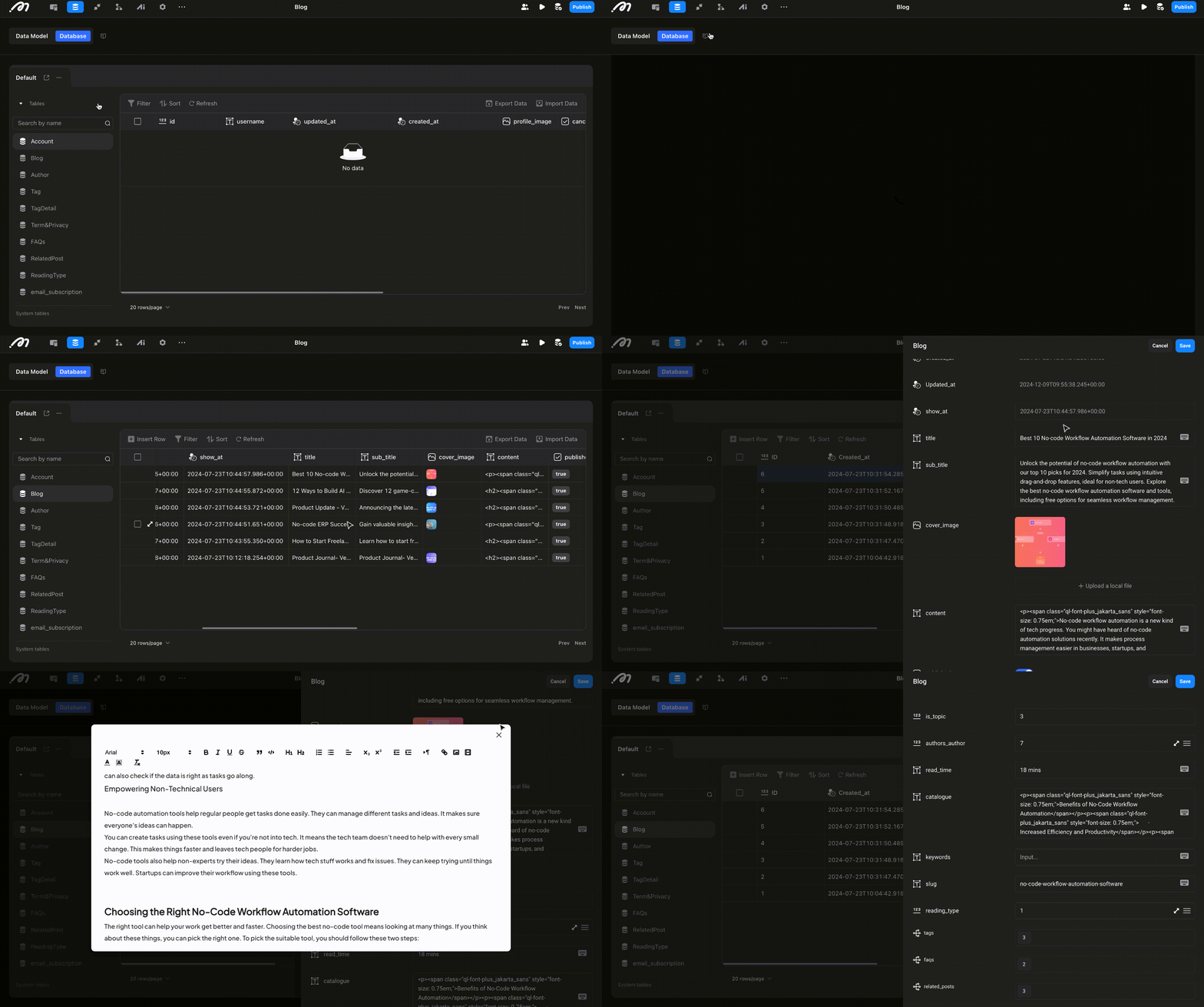
Database
Once the data model are built, the structure of your database is completed. Database is where you can view and manage your data. Now we can fill in this structure via defining the fields for each table and fill in your data.
Define fields and types for each table. Momen supports multiple types including text, image, integer, rich text etc.
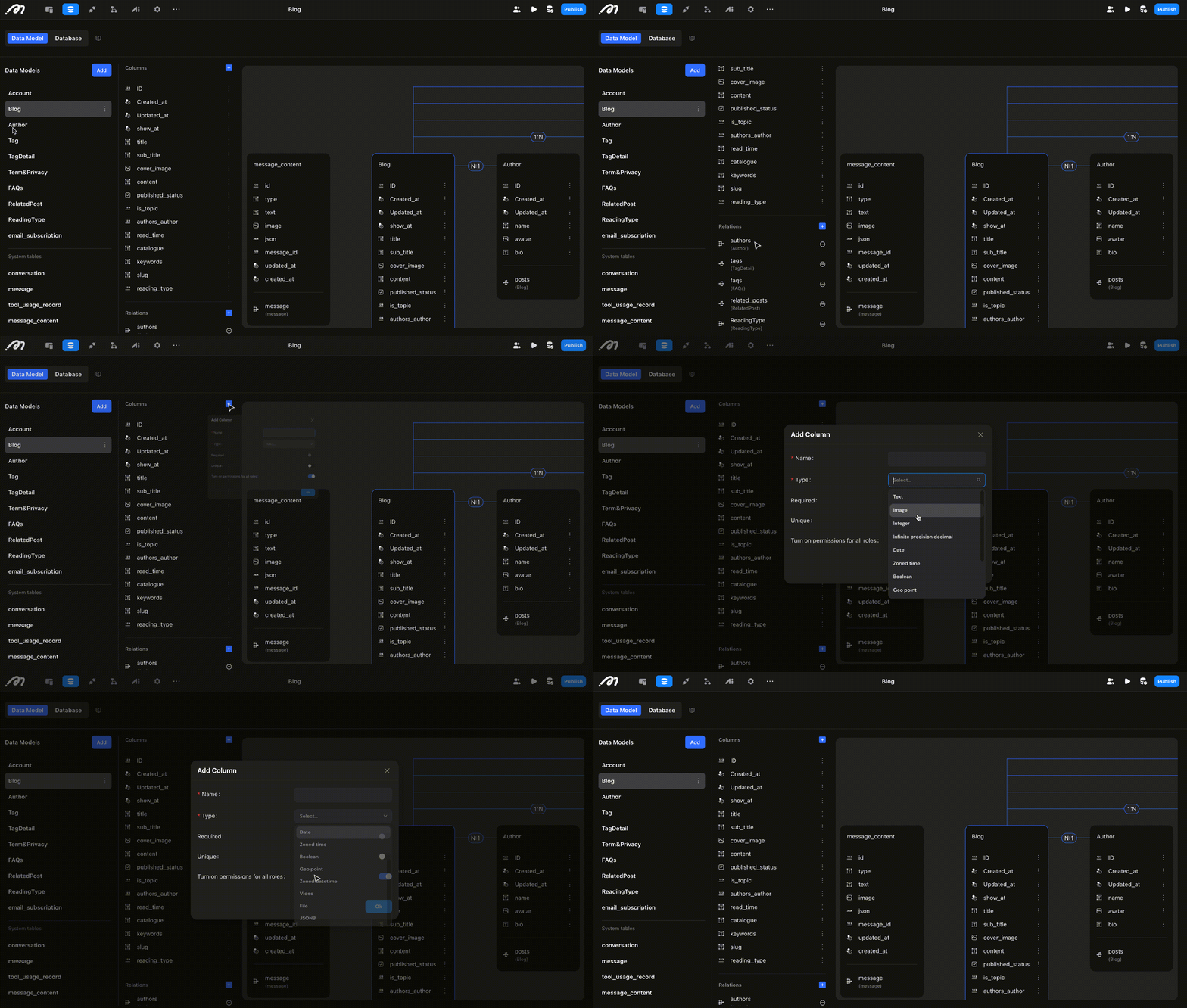
After setup, populate the database with your data.
2. Design your user interface
UI building
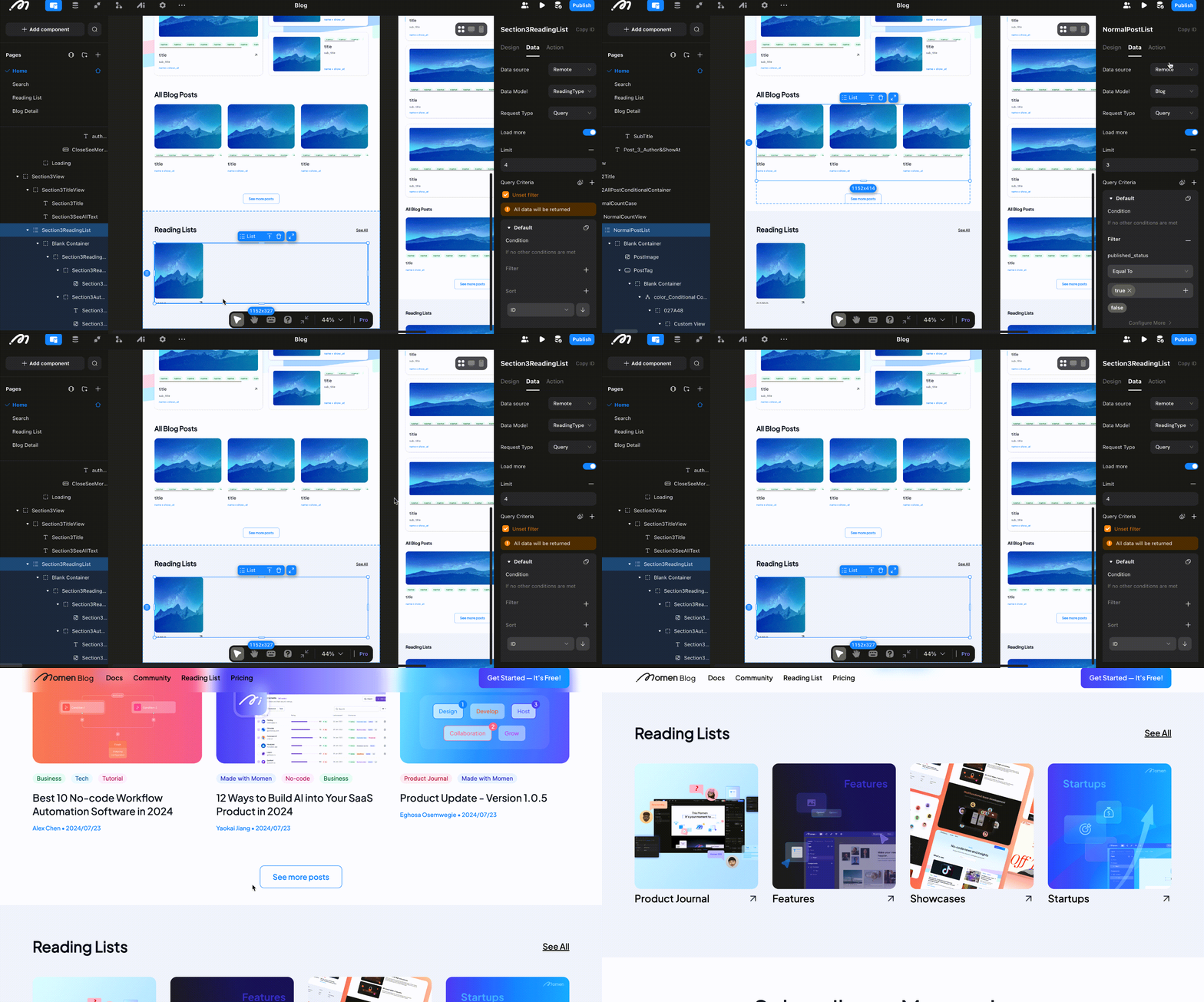
The blog has four main pages: Home, Search, Reading list and Blog detail. To build your UI, drag and drop components on your page and configure the settings for each component on the right side bar. In our blog, a key component is the list, which displays data in the same format dynamically.
List can only be bound with remote data in your database. The benefit is that you won't need to modify the UI if you want to add or update content. When database content changes, your frontend updates automatically.
Data binding
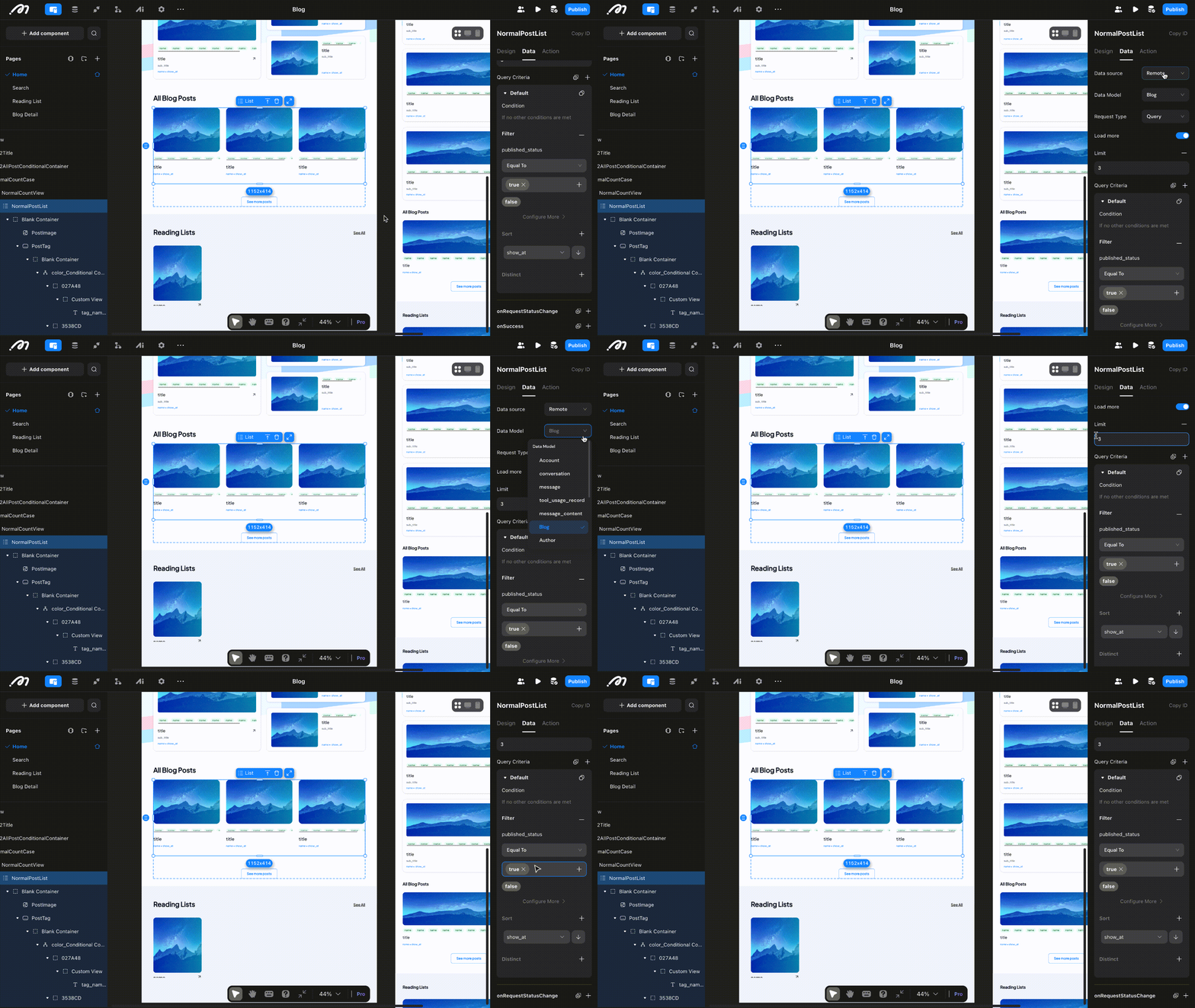
Data binding is a crucial step to connect your backend with your frontend:
Bind a list to the “blog” table for displaying posts.
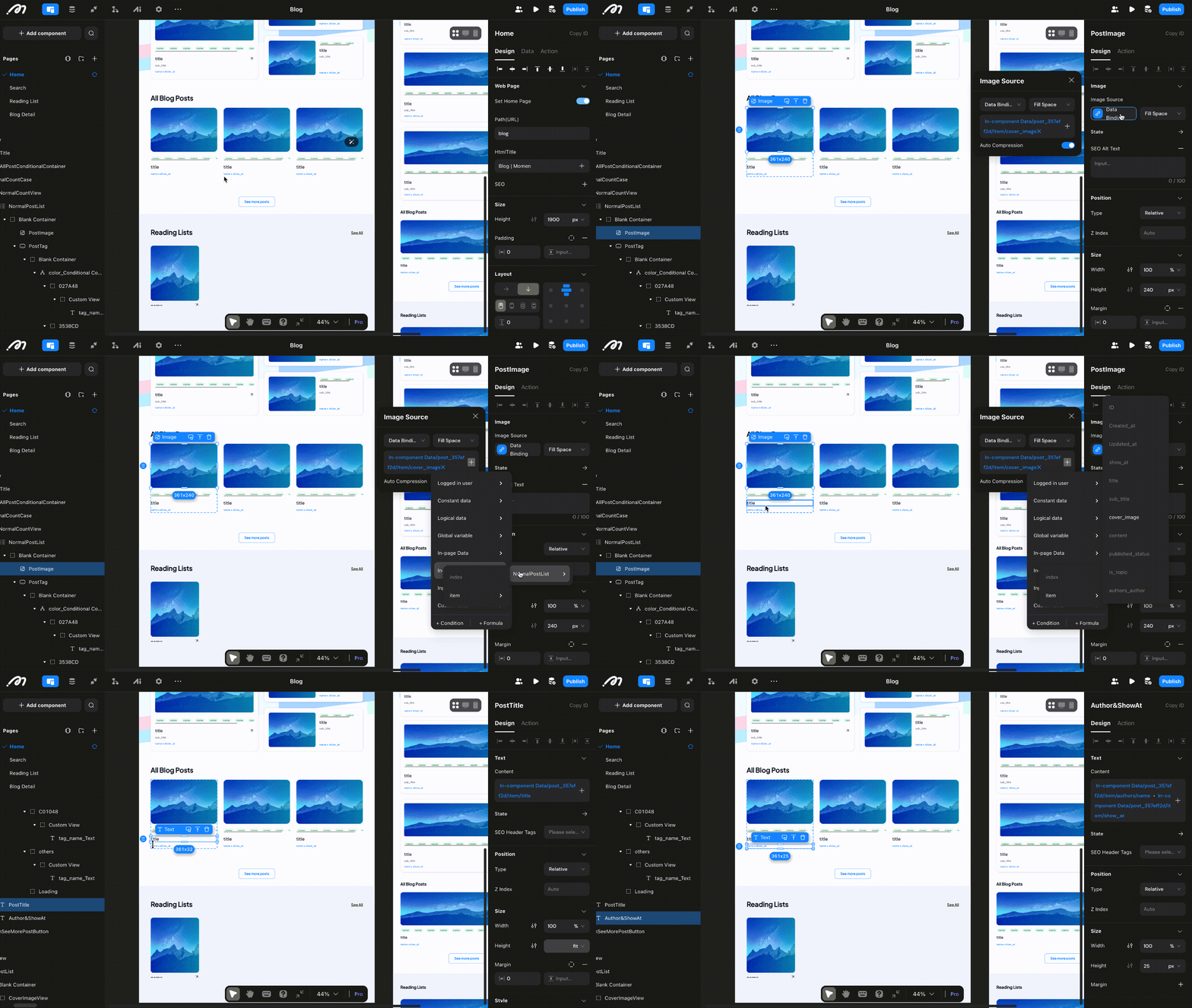
Select individual components (e.g., titles, images) and bind them to the corresponding fields in your table.
Apply filters like sort order, ID, or publish status to refine data display.
Pro Tip: For non-list components, bind data to the page first, then assign fields to individual elements.
3. Preview and Publish
Real-time preview
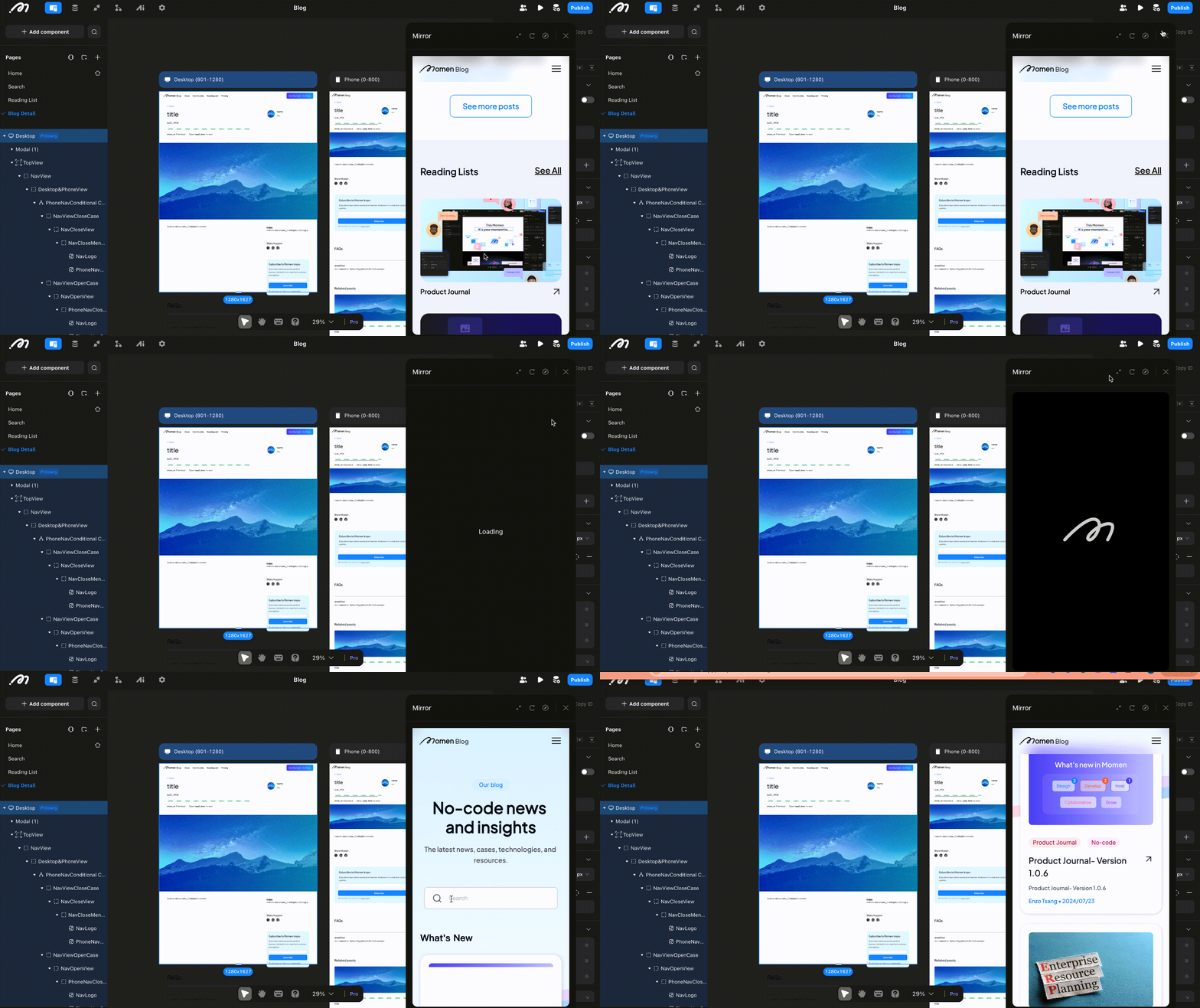
By clicking the "mirror" in the right corner of the editor, you can preview your app in real time. This function is useful when you make a change in the UI or check if you bind data successfully.
Preview
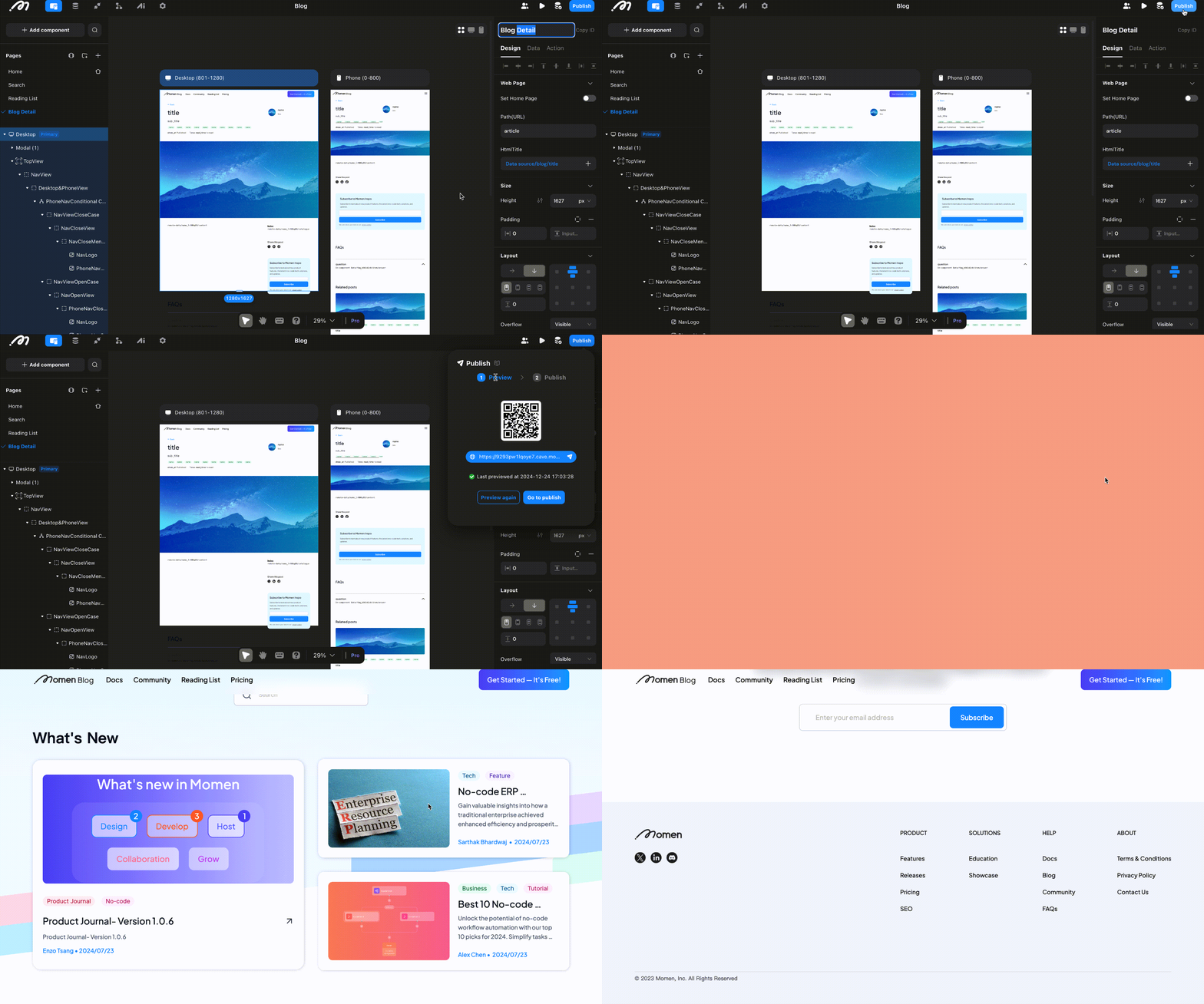
Generate the latest version before publishing to check functionality. You can preview how your app runs in a real web environment via the link.
Publish
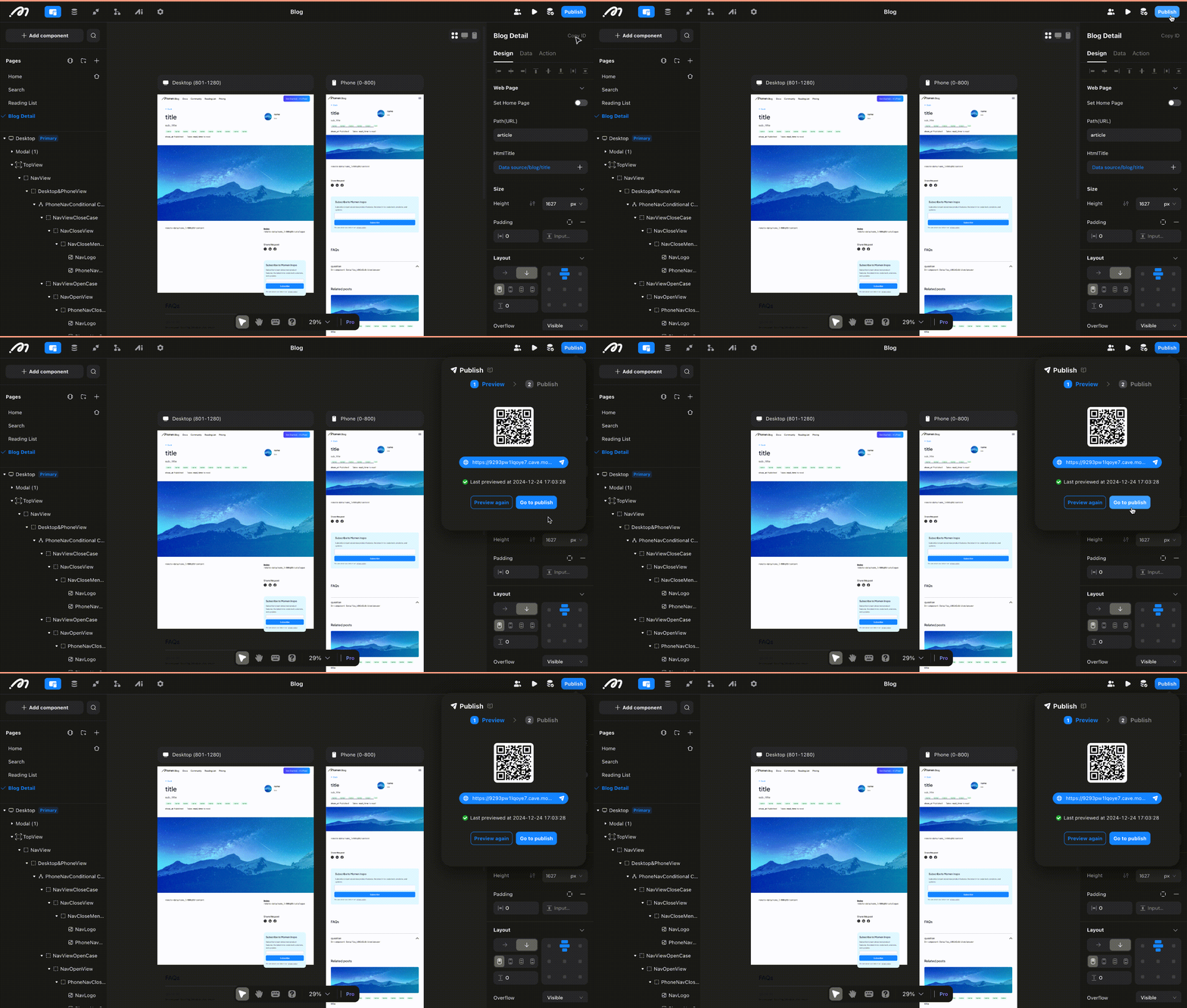
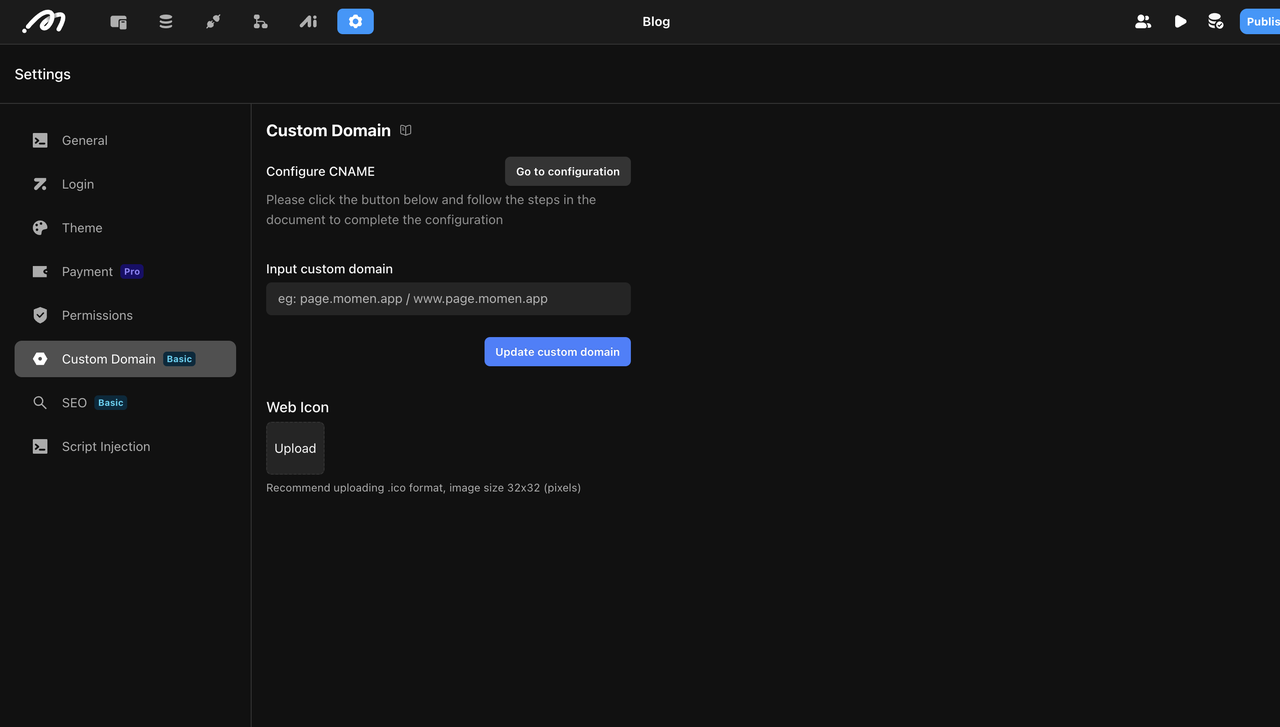
Once everything is done, hit publish to deploy your app. Configure a custom domain in settings if desired.
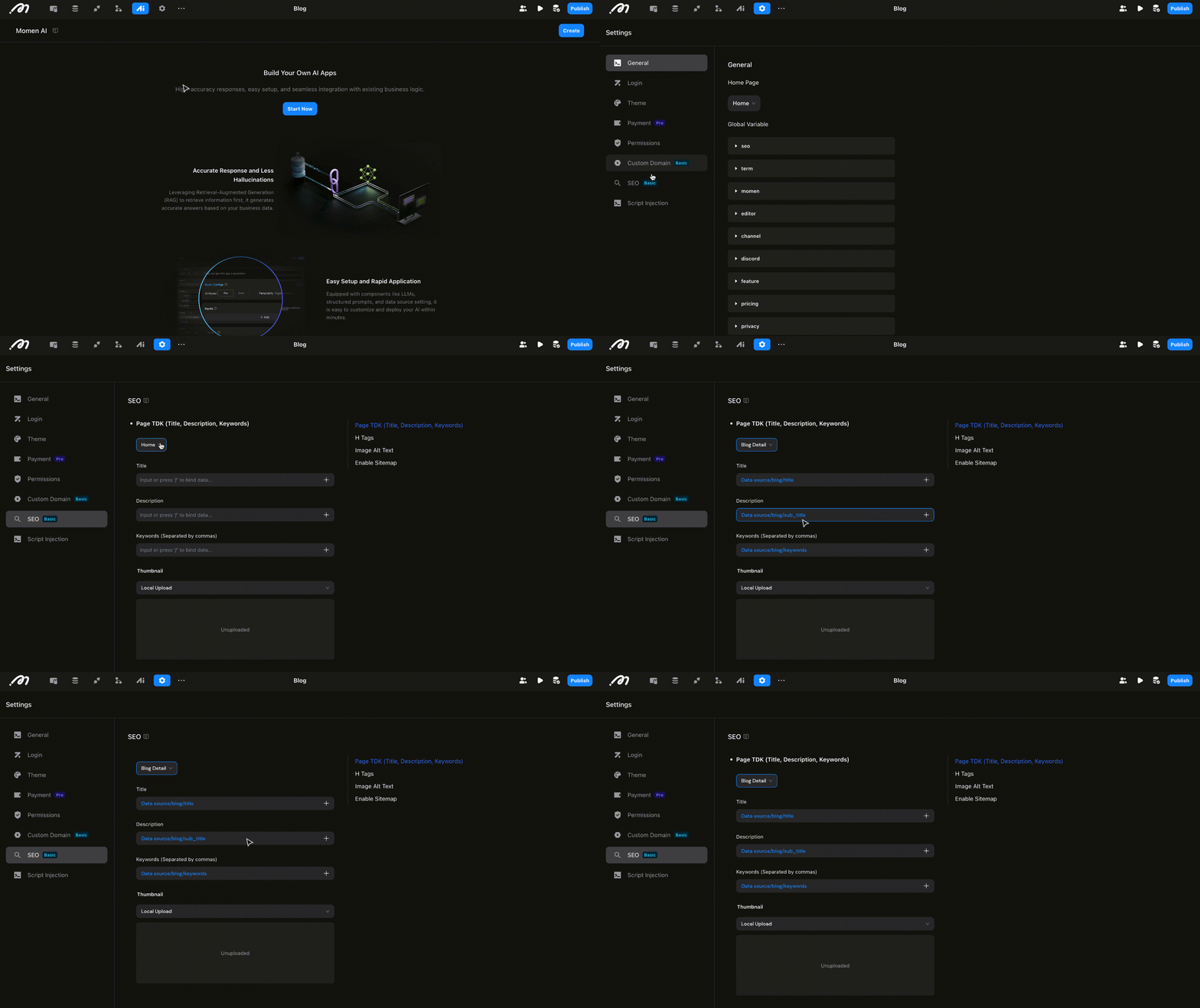
4. On-page SEO
On page SEO helps search engines to understand your content and improve your rank in search results. Boost your rankings and attract organic traffic by setting SEO parameters like sitemap, TDK (Title, Description, Keywords) and H-tags for each page.
For more details about building with Momen, check our 5 min basic tutorial.
Key Considerations for Your Blog
Expected Development Time
Building a blog with four pages and a complete database takes about 6-8 hours, making it much more efficient than traditional coding. For future content updates, simply update your database.
Budgeting Your Blog: Cost Analysis
For just $33 a month, you can build a blog with SEO and a custom domain, which includes: 2GB data outflow, 200 MB of database storage. For more details, you can check our pricing page.
Accessing Templates for Quick Setup
Want to save even more time? We offer a free built-out template for you!
View the project here.
Ready to turn your ideas into a digital asset? Build your blog with Momen and unlock your full potential.

